Activity Events
File Watcher and Adobe Feed Watcher events are two types of user-defined events currently supported by the Syntasa platform. This screen will give a summary view of those records for a given time period. Using the Range, Start/End date, and time zone, users can filter out the required event details. Records can be downloaded and Columns can be sorted and filtered.
Navigating the Events Screen
To access the 'Events' screen, follow these steps:
- Click on the hamburger menu (☰) and choose 'Activity' under the 'Platform' section.
- Click on the Event icon () located in the left-hand side menu.
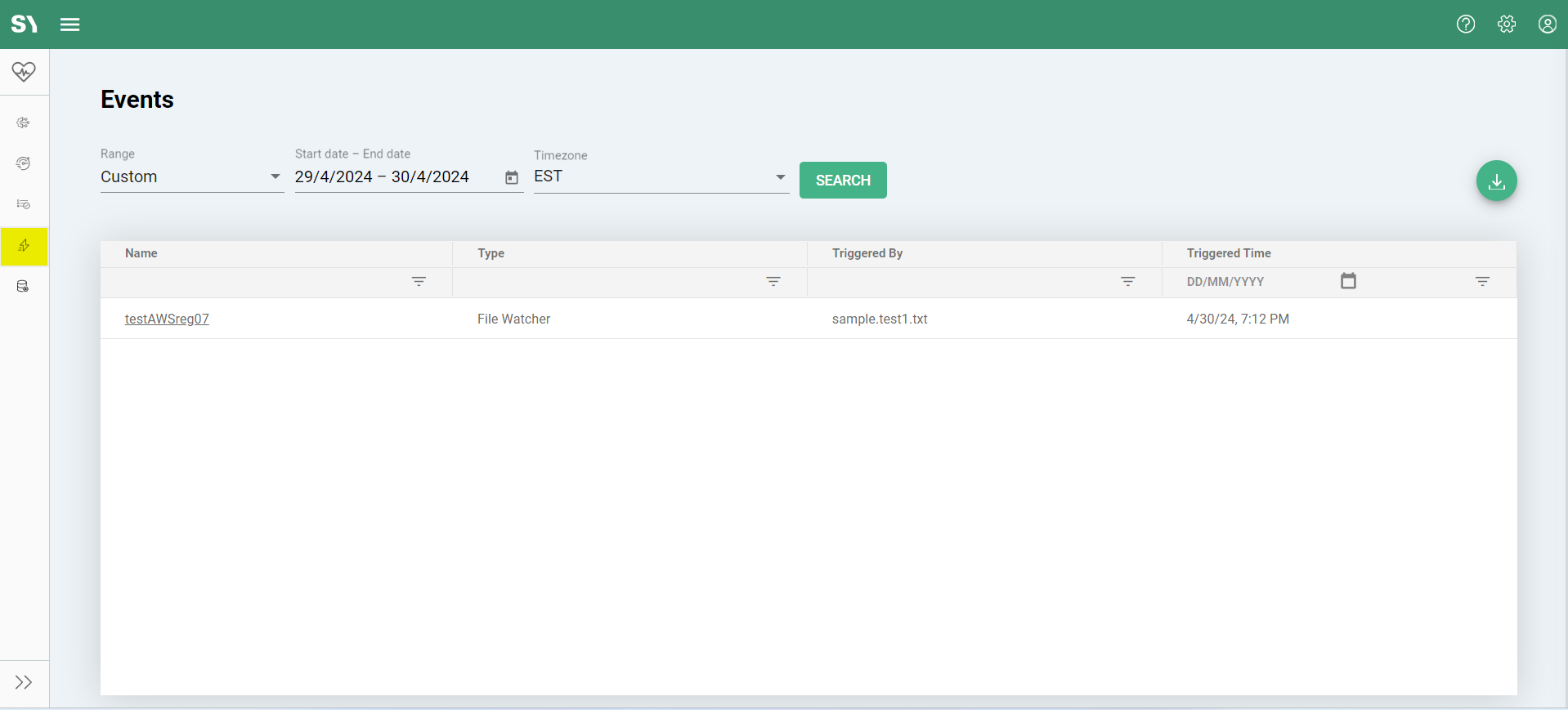
For a more comprehensive overview of this screen, please visit this page. Additionally, you can find specific event details under Event >> Resources. We've also included in-depth articles related to the event. Here are some useful links: